MDT 2013 Update 2 was released recently. You can download the installation from the Microsoft Download Center here
There aren’t any new features in Update 2, it’s basically a fix release.
Here’s a summary of the fixes from the MDT Team blog
- Security- and cryptographic-related improvements:
- Relaxed permissions on newly created deployment shares (still secure by default, but now also functional by default)
- Creating deployment shares via Windows PowerShell adds same default permissions
- Updated hash algorithm usage from SHA1 to SHA256
- Includes the latest Configuration Manager task sequence binaries
- Enhanced user experience for Windows 10 in-place upgrade task sequence
- Enhanced split WIM functionality
- Fixed OSDJoinAccount account usage in UDI scenario
- Fixed issues with installation of Windows 10 language packs
- Various accessibility improvements
- Monitoring correctly displays progress for all scenarios including upgrade
- Improvements to smsts.log verbosity
- Fixed Orchestrator runbook functionality
If you’ve followed my ConfigMgr 1511 Step by Step install guide you may want to harness the functionality of MDT within your ConfigMgr environment. First follow the step by step guide and get your ConfigMgr site server up and running and then follow this guide.
Download and Install MDT 2013 Update 2
Download MDT 2013 Update 2 from here
Run the MDT MSI file.
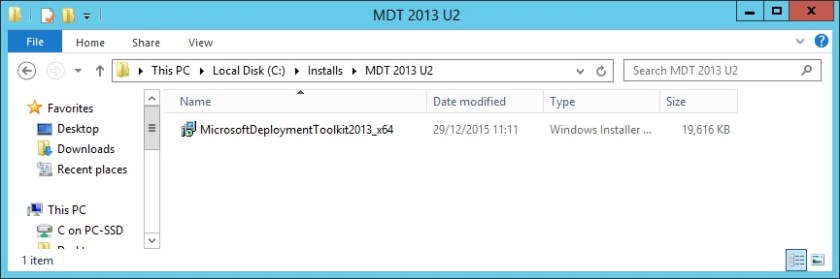
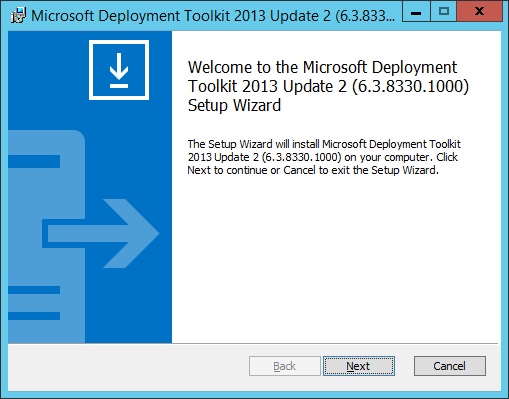
Click Next
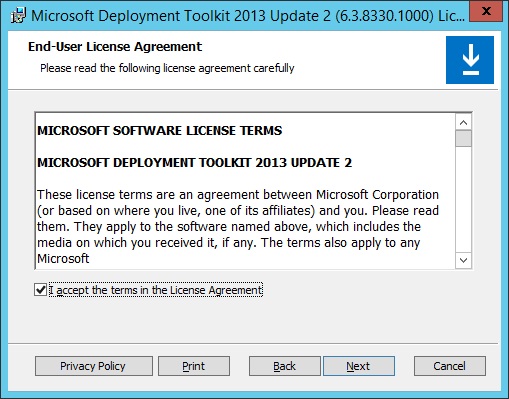
Accept the licence and click Next
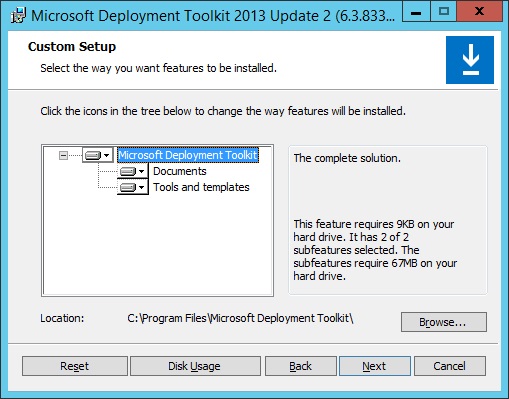
Click Next
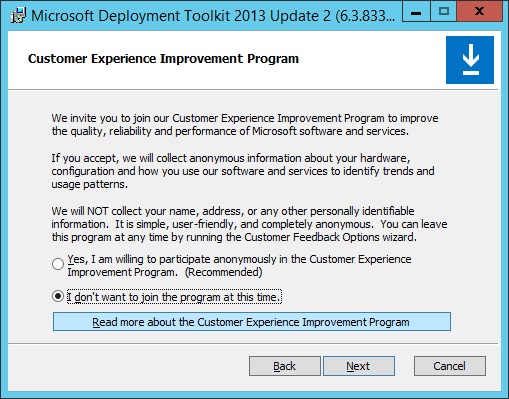
Decide whether you want to join CEIP or not and click Next
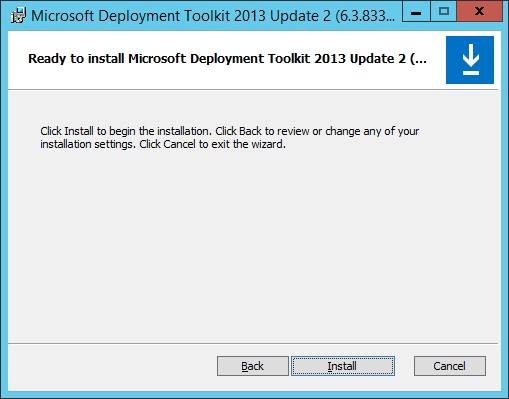
Begin the install by clicking the Install button
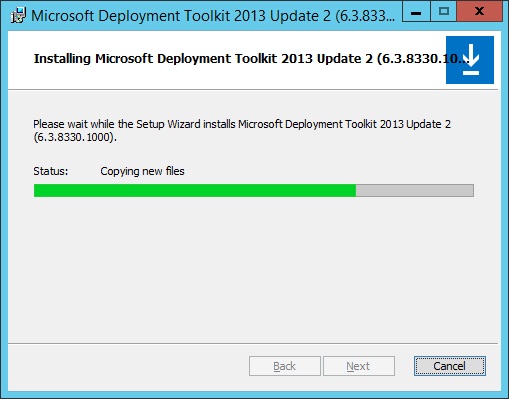
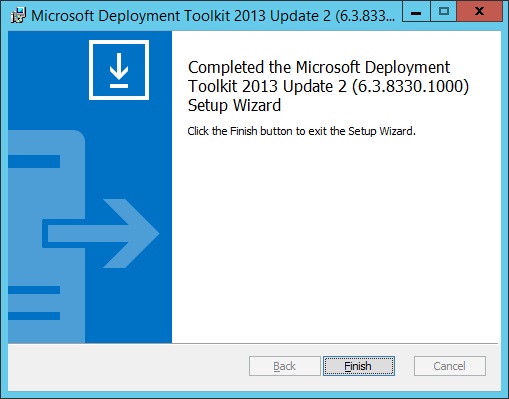
Once the installation is complete click Finish
Integrate MDT with ConfigMgr
Now that the installation is complete, you need to integrate MDT with your ConfigMgr environment. This is a simple process.
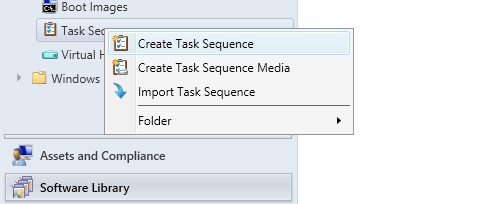
Without MDT integration this is how the ConfigMgr Task Sequence menu looks
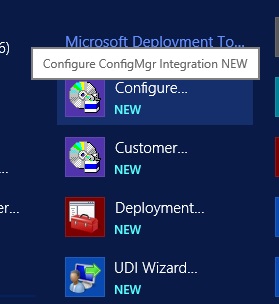
From the Windows menu choose ‘Configure ConfigMgr Integration’
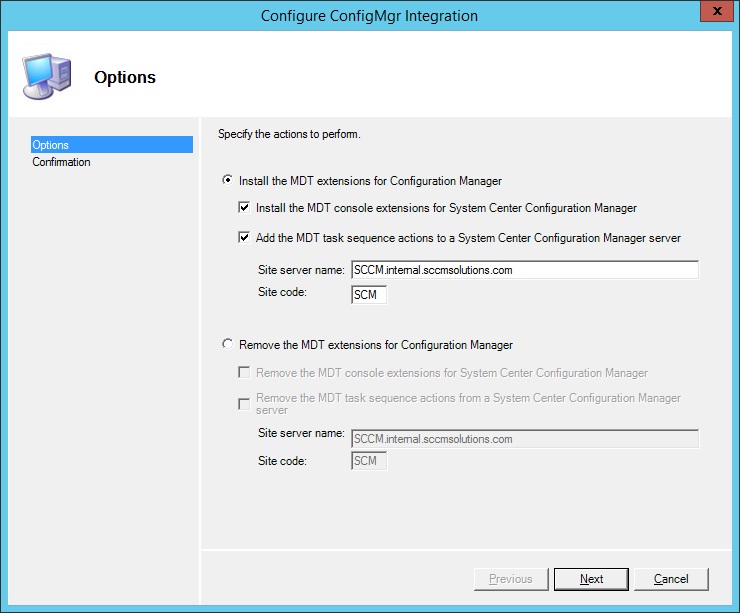
The ‘Install the MDT extensions for Configuration Manager’ should already be selected with all the details of your site server and site code. Click Next.
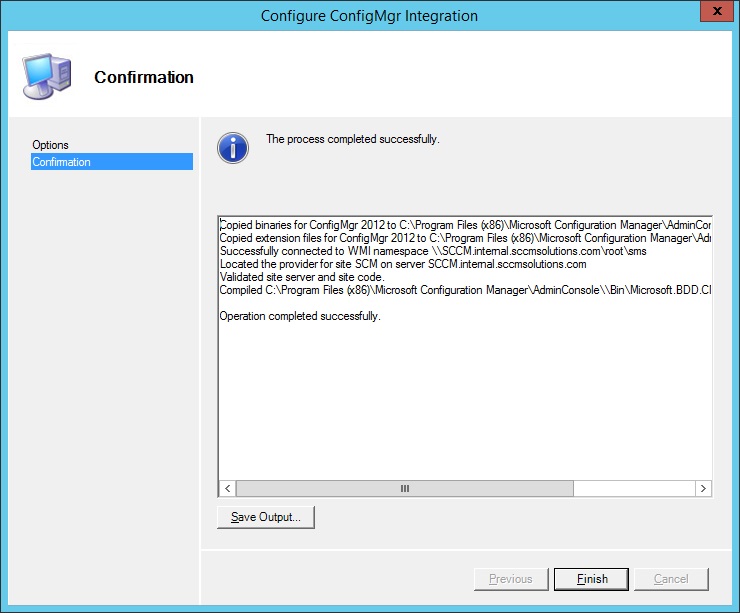
The integration will occur very quickly. Click Finish when done
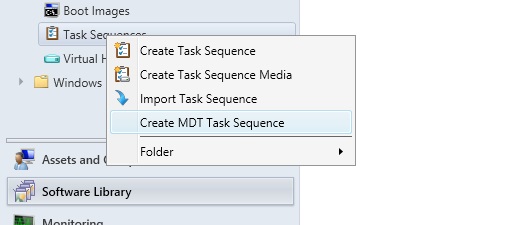
You will now have access in ConfigMgr to create MDT Task Sequences
 SCCMentor - Paul Winstanley
MDT split WIM functionality is non-existent in this latest MDT update.