If you ever need to manually restore a ConfigMgr DB for a site restore , or other purposes, here are the steps you need to undertake .
IMPORTANT – Before you start ensure that the ConfigMgr DB is not still located in the folder where you are attempting to restore to.
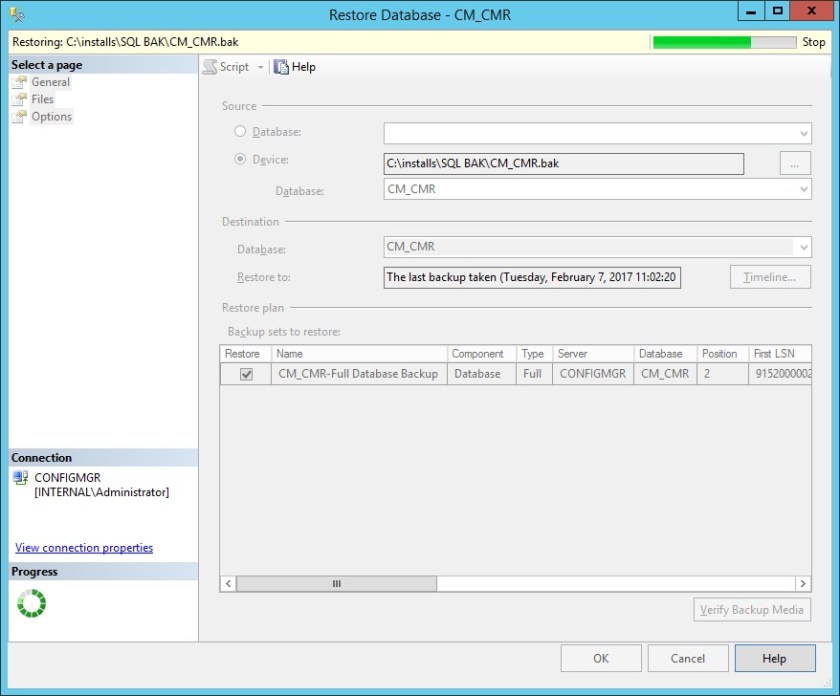
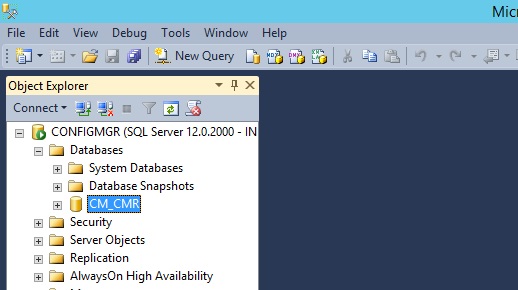
Open SQL Management Studio, right click Databases and choose ‘Restore Database’.

Select Device and then click the …

Click the Add button

Locate your SQL .BAK file and click OK
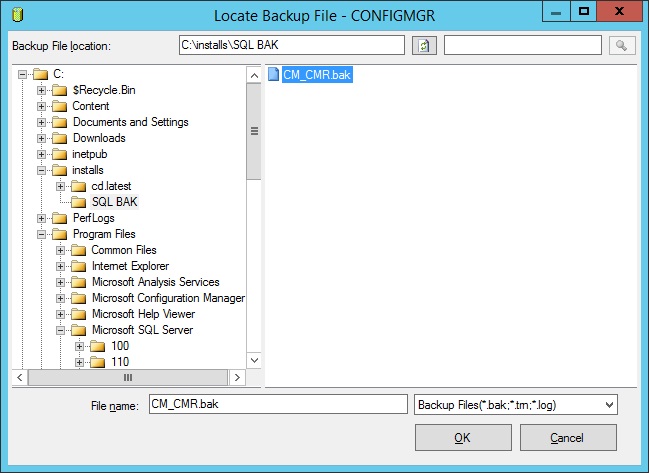
Click OK
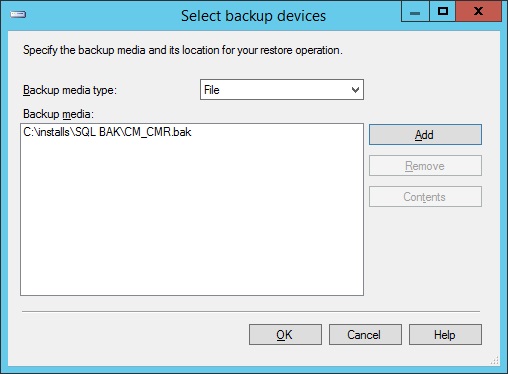
Click OK again and the DB will start to restore.
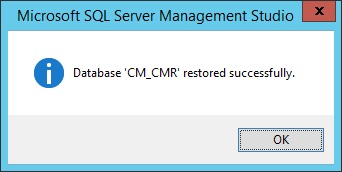
Once completed click OK
and the DB will be restored.
 SCCMentor - Paul Winstanley
Reblogged this on Being Configuration Manager Administrator.